01
Get a workout in.
Shoot around. Go for a walk. Do something worth getting off the couch for.
An iPhone streaming app for doing your thing. Go live on Twitch, hear chat through your AirPods, and talk back while you keep moving.
Still in development. Follow along for updates.
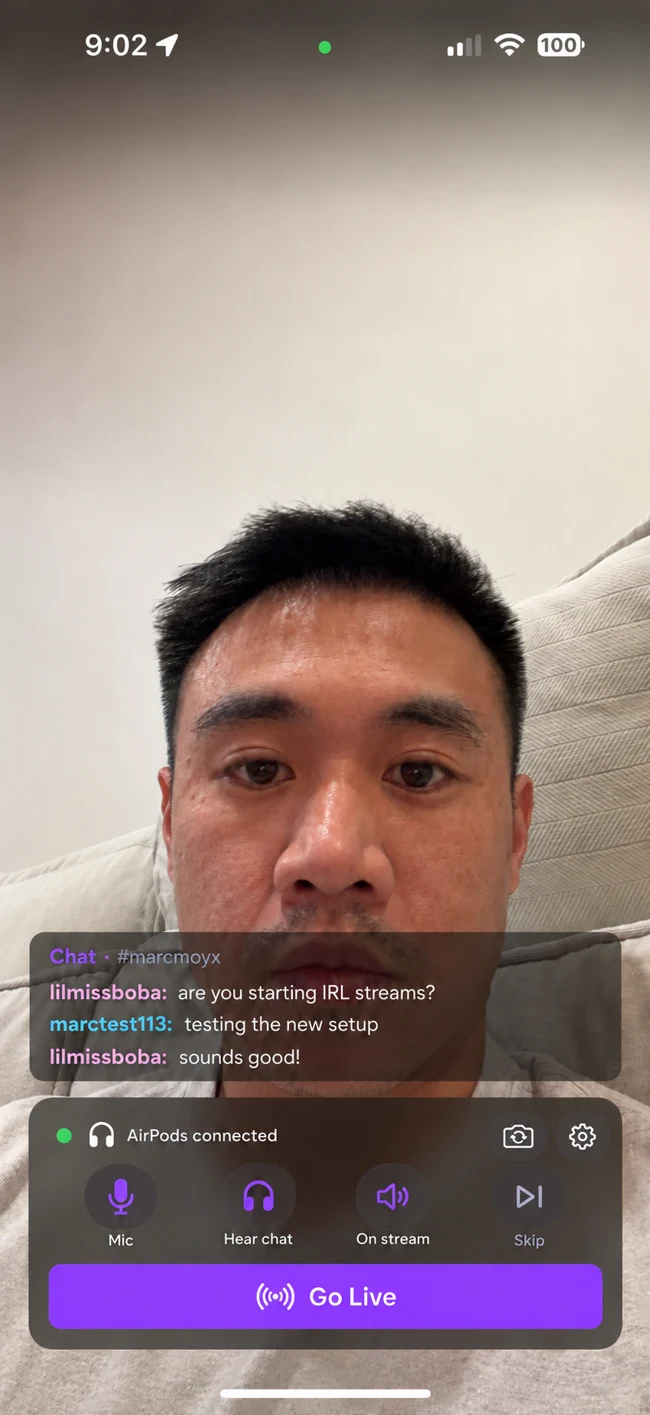

I just wanted to shoot hoops without choosing between a workout, a good podcast, and hanging out with chat.
Shoot around. Go for a walk. Do something worth getting off the couch for.
Point your iPhone at the action and bring your Twitch viewers along.
The goal: keep your music, podcasts, or YouTube in your ears while you move.
Hear what people are saying. Talk back. Keep doing what you’re doing.
Chat messages and alerts, read aloud through your AirPods. So you can follow the conversation without watching a screen.
TTS goes into the stream as well as your ears. Your viewers hear the message you’re answering, not half a conversation.
Your AirPods microphone carries your response. Keep shooting, walking, or doing whatever made you go live.
Moyblin is in beta. Device compatibility and simultaneous media playback are still being tested. App image shown is a design concept.
Real streams. My screen.
Shooting hoops, lifting weights, and keeping something good in my ears.
Tap play to watch with sound. On your phone? Swipe to explore the demos.
I’m new to streaming. I’d also never built an iOS app before.
What I wanted sounded simple: stream myself shooting hoops, hear chat and alerts through my AirPods, use their noise cancellation, and listen to music or a podcast. Just my iPhone and my AirPods.
Moblin clearly does a lot. I couldn’t figure out how to get my particular setup working. So, naturally, I decided to build my own streaming app instead.
Three hours later, I had vibe coded vibe engineered a prototype.
I built it live on Twitch. The figuring-it-out part is on camera too.
Learning how to build more than software.
My first iOS app. The whole learning curve.
No polished tutorial. Just me working through an idea, learning iOS, and seeing how far I could get.
Follow the build, catch a stream, or come tell me what you’d want this little green guy to do next.
Find me on TwitchI’m building Moyblin for myself first. If this sounds like your kind of streaming, you’re invited.